MacBook Repair in Scarborough
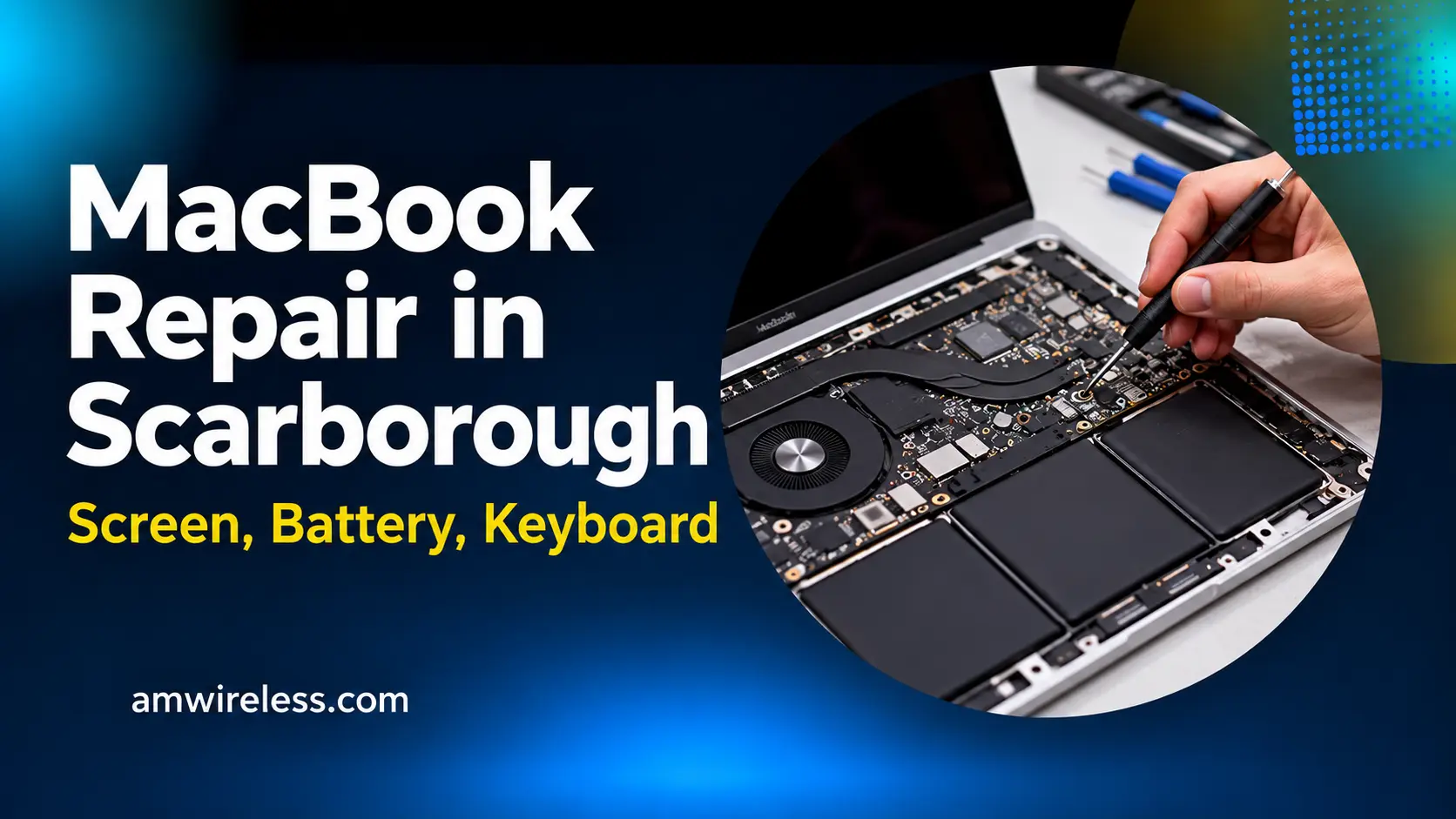
AM Wireless repairs MacBook Air and MacBook Pro in Scarborough — screen, battery, keyboard, trackpad, charging, and logic board repairs. Diagnosis is free, most common repairs are done the same day, and all work carries a 10-day warranty on parts and labour. The exact price is confirmed at the free diagnosis before any work starts.
Your MacBook is where your work, study, and creativity live — so when the screen cracks, the battery dies at noon, or the keyboard stops responding, you need it fixed properly, not replaced. At AM Wireless in Scarborough, we repair MacBook Air and MacBook Pro models, from older Intel machines to the latest Apple silicon models.
Diagnosis is free. A technician will check your MacBook, explain the exact problem, and confirm the price before any work starts — no guesswork, no surprise charges.
MacBook Repair Services We Offer
MacBook Screen Repair
Cracked, flickering, or black screen? Retina displays are delicate, and a cracked screen often still shows a picture — but it will only get worse. We replace MacBook screens with quality parts, including full display assemblies where needed. Backlight problems, coloured lines, and dead pixels are all diagnosed before any part is ordered.
MacBook Battery Replacement
A MacBook battery that drops fast, swells, or shows “Service Recommended” is worn out. Most MacBook batteries are glued in and need careful removal — this is not a DIY job. We replace batteries for MacBook Air and Pro, and we recycle the old battery safely. A swollen battery (trackpad lifting, case bulging) should be brought in right away and not charged further.
MacBook Keyboard and Trackpad Repair
Sticky keys, dead keys, or a trackpad that clicks on its own or not at all — keyboard and trackpad problems are common, especially on older butterfly-keyboard models. We repair or replace individual keys, full keyboards, and trackpads, and we check whether the issue is the hardware or a software setting first.
MacBook Charging Problems
MacBook not charging? The cause can be the charger, the cable, the USB-C port, the MagSafe connector, or the battery itself. We test each part separately so you only pay for the repair you actually need — not a new charger you did not need, and not a battery when the port was the problem.
MacBook Logic Board and Motherboard Repair
A MacBook that will not turn on, restarts randomly, or has no power after water damage may have a logic board fault. Board-level diagnosis takes longer than a screen or battery swap, but it is often far cheaper than replacing the whole machine. We will tell you honestly whether a board repair is worth it for your model.
macOS and Software Issues
Slow startup, spinning beach ball, apps crashing, or a failed macOS update — software problems can look like hardware problems. We diagnose software issues, reinstall or update macOS (with your data backed up first), and remove malware and unwanted programs.
Water Damage Repair
Spilled coffee or water on a MacBook? Switch it off immediately, do not charge it, and bring it in as soon as possible. We clean and dry the internals, check for corrosion, and test every component before quoting the repair.
MacBook Models We Repair
- MacBook Air (M1, M2, M3, and older Intel models)
- MacBook Pro 13-inch, 14-inch, and 16-inch (Apple silicon and Intel models)
- Older MacBook and MacBook Pro models — ask us about your specific model
Common MacBook Repairs at a Glance
| MacBook model | Screen repair | Battery replacement | Keyboard / trackpad | Charging port |
|---|---|---|---|---|
| MacBook Air (M1, M2, M3) | Yes | Yes | Yes | Yes (USB-C / MagSafe) |
| MacBook Pro 13" (M1, M2, Intel) | Yes | Yes | Yes | Yes (USB-C) |
| MacBook Pro 14" / 16" (M1–M3) | Yes | Yes | Yes | Yes (MagSafe) |
| Older Intel MacBooks | Yes, parts permitting | Yes | Yes | Yes |
Turnaround: most screen, battery, and keyboard repairs are done the same day, depending on the model and parts availability. Board-level repairs take longer.
Not sure which MacBook you have? Click the Apple logo → About This Mac, and bring that information with you — it helps us confirm parts availability before you visit.
Why Scarborough Chooses AM Wireless for MacBook Repair
- Free diagnosis — exact problem and price confirmed before work starts
- Same-day service for many common repairs (screen, battery, keyboard)
- 10-day warranty on parts and labour
- Quality parts, tested before pickup
- Walk-ins welcome — no appointment needed
- Serving Scarborough and the wider GTA for over 10 years
How Our MacBook Repair Process Works
- Walk in or call — bring your MacBook and charger if you have it.
- Free diagnosis — we test the screen, battery, keyboard, ports, and software, and confirm the exact repair and price.
- Repair — most common repairs are done the same day; board-level work takes longer and we will give you a realistic time.
- Tested before pickup — your MacBook is tested (screen, battery, keyboard, trackpad, ports, Wi-Fi) before we hand it back.
Frequently Asked Questions
How much does MacBook repair cost?
It depends on the model and the repair. The exact price is confirmed at the free diagnosis — you approve it before any work begins.
Will MacBook repair erase my data?
No, for most repairs (screen, battery, keyboard, trackpad). For software or logic board work, we advise a backup first — and we will tell you if your repair carries any data risk before starting.
How long does MacBook screen repair take?
Many screen and battery repairs are done the same day, depending on the model and parts availability. We will give you a realistic time at diagnosis.
Do you repair older MacBooks, or only new ones?
Both. If parts are available for your model, we repair it. If a repair is not worth the cost for an older machine, we will say so honestly.
Is it worth repairing my MacBook, or should I buy a new one?
If the MacBook is otherwise working well, a screen, battery, or keyboard repair costs far less than a replacement and extends its life by years. For major board faults on very old models, we will give you an honest comparison.
My MacBook only charges at an angle — what is wrong?
That usually means a worn USB-C port or MagSafe connector. It will fail completely sooner or later, so bring it in before it stops charging altogether.