Samsung Galaxy Note Repair in Scarborough & the GTA
A cracked display, a battery that won’t hold a charge, or an S Pen that stops responding can make a Galaxy Note frustrating to rely on. AM Wireless diagnoses every Note model before any work begins, so you know exactly what’s wrong before you commit to a repair. From screen and battery replacement to charging port and camera repair, our Scarborough shop handles most Galaxy Note issues the same day using tested parts. Walk in, get a free assessment, and get your device working properly again.
- 3021 Kingston Rd, Scarborough ON M1M 1P1
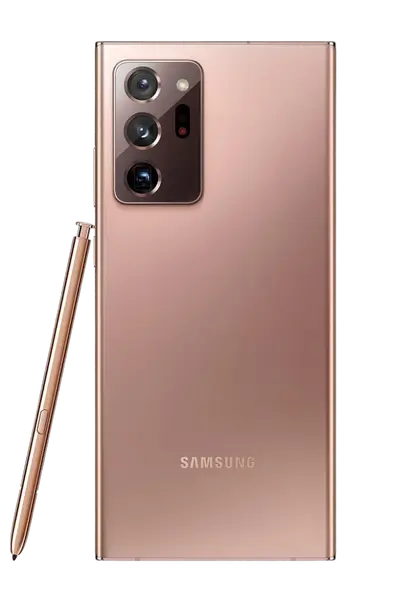
Samsung Galaxy Note Repair
Where Can You Get a Samsung Galaxy Note Repaired in Scarborough?
AM Wireless, located at 3021 Kingston Rd in Scarborough, repairs the full Galaxy Note lineup, including the Note 8, Note 9, Note 10, Note 10+, Note 20, and Note 20 Ultra. Common repairs include AMOLED screen replacement, battery replacement, USB-C charging port repair, camera and camera glass repair, speaker and microphone fixes, S Pen troubleshooting, and water damage recovery. Every repair starts with a free diagnostic, and most jobs — including screens and batteries — are completed the same day using warranty-backed parts. Customers can walk in without an appointment for an on-the-spot assessment before agreeing to any repair.
Samsung Galaxy Note Models We Repair
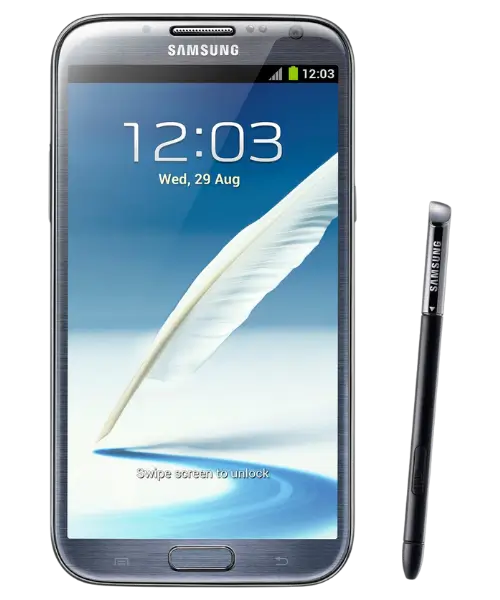
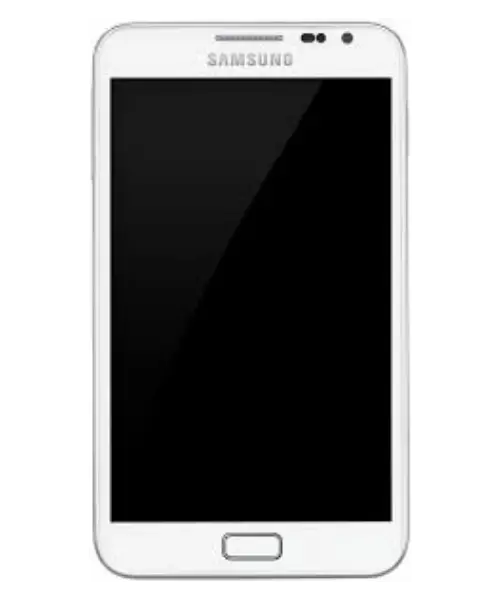
Samsung Galaxy Note repair in Scarborough is available for a wide range of models, from the Galaxy Note 1 to the Note 10+. We handle common issues such as cracked screens, weak batteries, charging port problems, camera issues, and other hardware faults. If you’re looking to buy a Samsung Galaxy Note instead of repairing your current phone, new devices may also be available at our Scarborough store. Select your Galaxy Note model below to explore the available repair services and details.
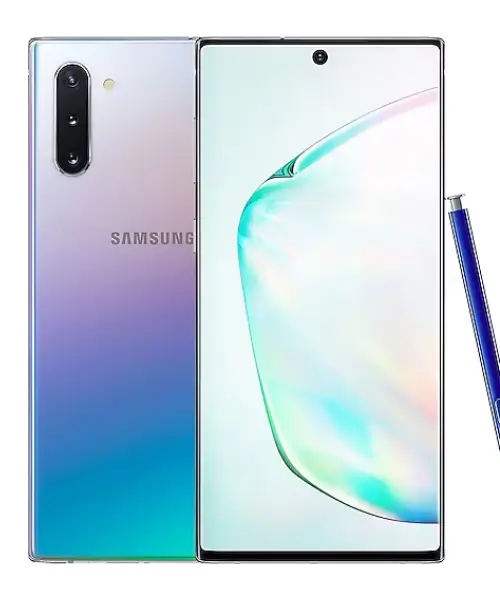
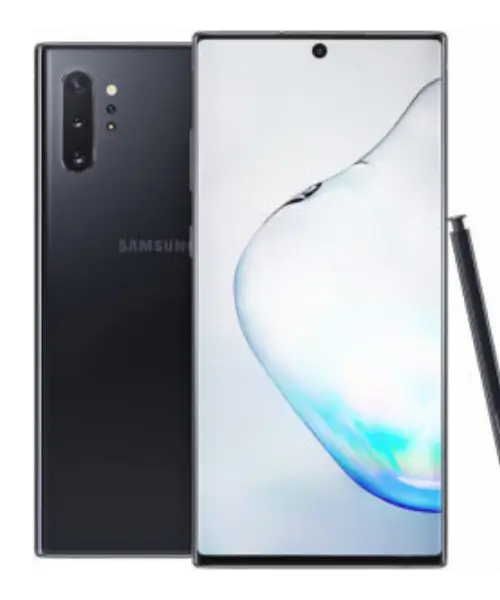
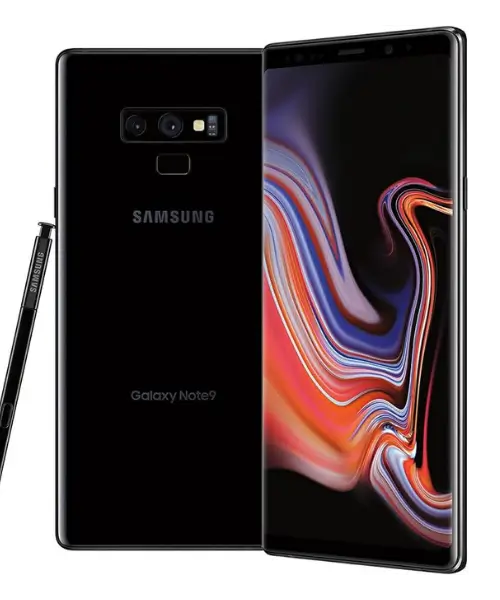
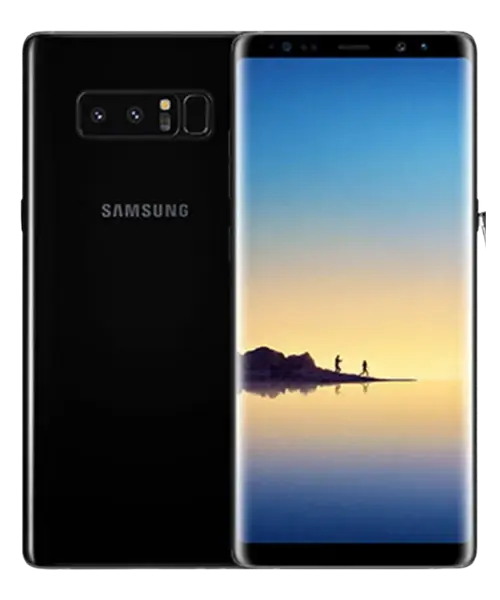
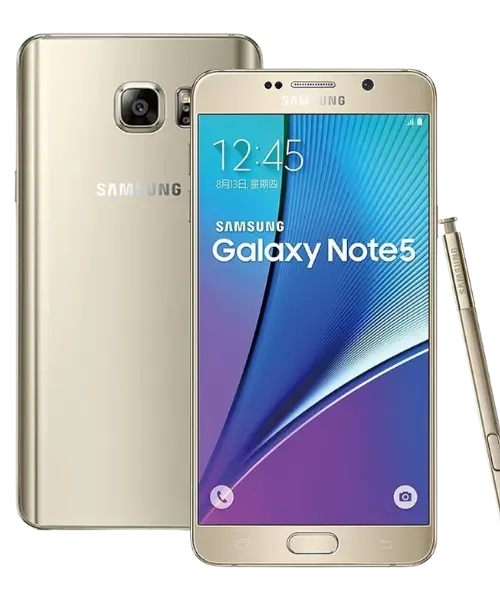
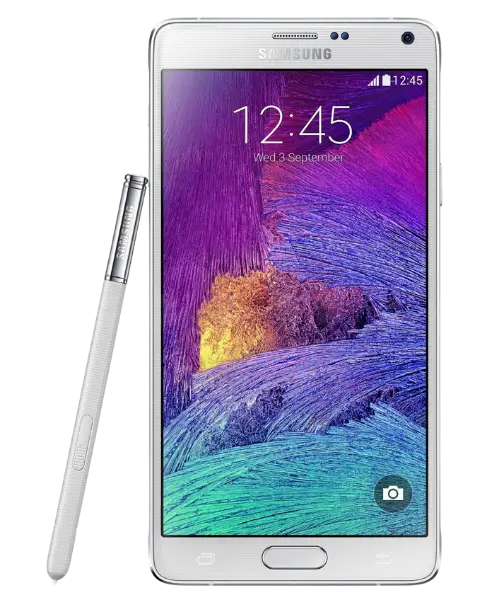
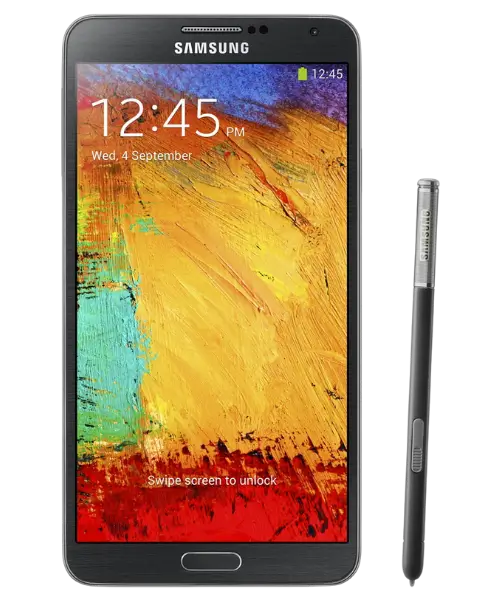
Galaxy Note Problems Our Technicians Handle Every Week
Galaxy Note devices are built with large AMOLED displays, an S Pen, and dense internal hardware — which means several components can wear out or fail after drops, spills, or years of daily use. Below are the issues customers bring in most often.













Diagnosis
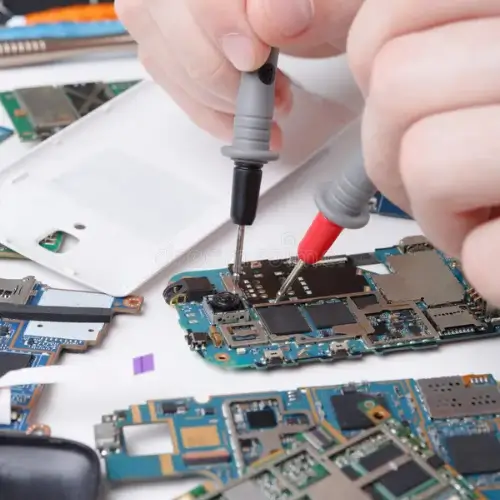
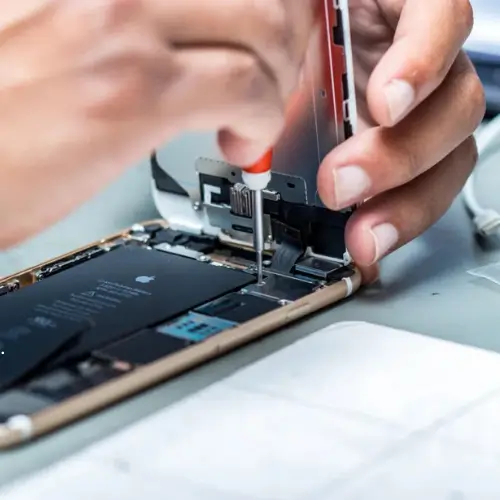
Bring your Galaxy Note in for a free, no-obligation diagnosis. Symptoms like a flickering screen, a phone that won’t charge, or a Note that shuts off randomly can point to several different causes — a damaged connector, a failing battery, or a software fault. Our technicians open the device, test the relevant components, and confirm the actual issue before quoting a repair. AM Wireless follows a no-fix, no-pay approach, so if we can’t repair your Galaxy Note, you don’t pay for the attempt.
Galaxy Note Screen and AMOLED Display Repair
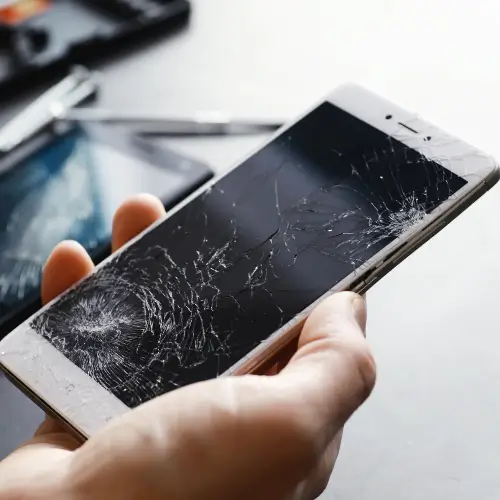
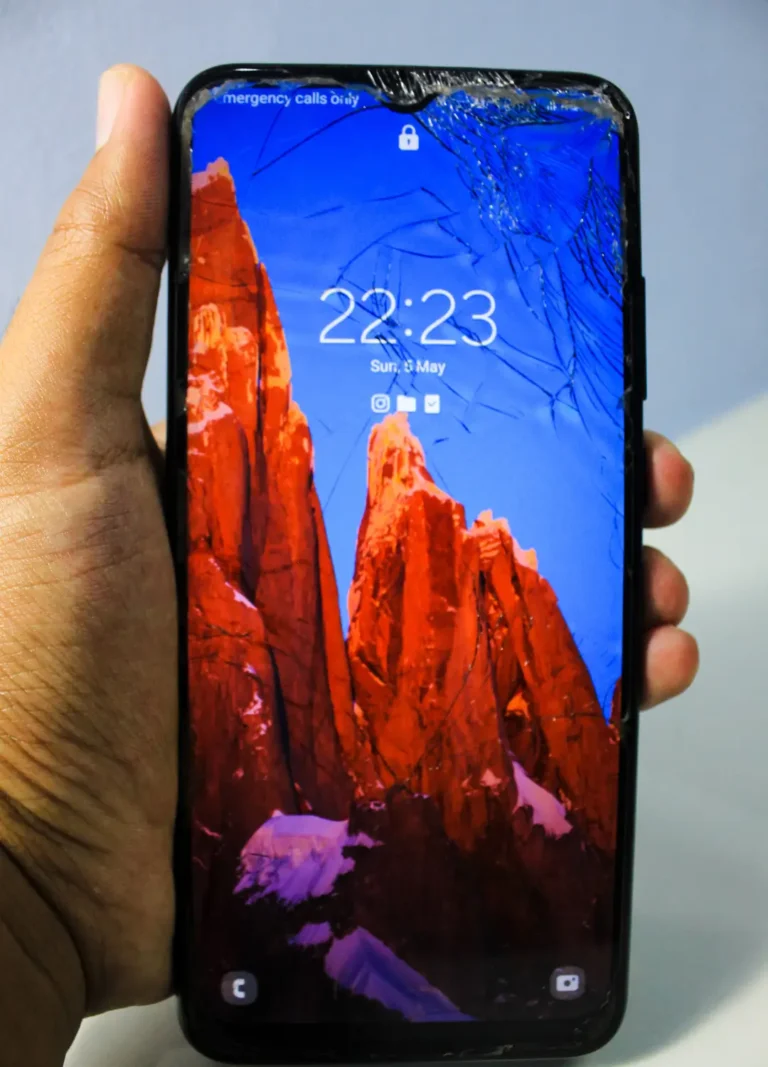
A shattered front panel or a Super AMOLED display showing lines, dead pixels, or dim patches makes a Galaxy Note hard to use safely. We replace damaged glass and faulty AMOLED panels with quality parts, restoring accurate touch response and true color output. Because the Note’s display works closely with the S Pen’s digitizer layer, our technicians test pen input after every screen replacement to confirm both are functioning correctly before the device is returned.

Galaxy Note Battery Replacement
If your Galaxy Note drains faster than it used to, powers off unexpectedly, or feels warm during normal use, the battery is likely degraded. We replace worn batteries with tested units sized correctly for each Note generation, helping restore normal battery life and reducing the risk of overheating. This repair is common on older Note models like the Note 8 and Note 9, where battery wear is expected after years of daily charging cycles.
This service is ideal if your device no longer holds a charge or takes too long to power up.
Galaxy Note Charging Port Repair
When a Galaxy Note charges slowly, only connects at certain angles, or doesn’t charge at all, the USB-C port is often damaged or filled with debris. Our technicians clean, repair, or replace the charging port so your device connects reliably to both cables and fast chargers. We also check related components to rule out a battery or software cause before replacing any hardware.

Galaxy Note Water Damage Repair
Liquid exposure can corrode internal components even if the phone still appears to work afterward. We inspect the logic board, connectors, and battery for corrosion, clean affected areas, and repair components where possible. Because water damage can worsen over time, we recommend bringing the device in as soon as possible after any spill or submersion.
Galaxy Note Speaker, Microphone, and Earpiece Repair
Distorted, muffled, or silent audio during calls, videos, or voice recordings usually points to a speaker, microphone, or earpiece fault. Our technicians identify whether the cause is dust buildup, a damaged component, or a loose connection, then repair or replace the part accordingly so calls, media playback, and voice commands work clearly again.
Making the Right Call
Should You Repair Your Galaxy Note or Replace the Device?
For most single-component issues — a cracked screen, a worn battery, or a faulty charging port — repairing your Galaxy Note is significantly more affordable than buying a new device, especially since Note models are no longer in production and cost more to replace outright. Repair makes sense when the rest of the phone functions normally. Replacement becomes a more realistic option after severe logic board damage or extensive water damage affecting multiple systems. A free diagnostic at AM Wireless gives you an honest picture of the damage before you decide.
Free Diagnosis
Every Galaxy Note is inspected at no cost before any repair is agreed to.
Same-Day Service
Screen, battery, charging port, and most common repairs are typically finished the same day.
Warranty-Backed Parts
Replacement parts are tested and backed by a warranty for peace of mind after your repair.
No Fix, No Charge
If we're unable to repair your Galaxy Note, you don't pay for the attempt.
Why Customers Choose AM Wireless for Galaxy Note Repair
Located at 3021 Kingston Rd in Scarborough, AM Wireless has repaired smartphones, tablets, laptops, and computers in the area for over 10 years. Technicians walk you through the diagnosis, confirm pricing upfront, and use quality replacement parts so your Galaxy Note is returned in working condition.
Parts & Workmanship
Replacement Parts and Warranty Coverage for Galaxy Note Repairs
Every Galaxy Note repair uses replacement parts that are tested before installation, and the repair itself is backed by a parts and workmanship warranty. Before starting any work, technicians confirm the exact part required during the free diagnostic, so there are no surprises once the repair begins. After installation, each device goes through a functional check — covering the display, touch response, S Pen input, charging, and audio where relevant — to confirm the repair holds up under normal use. If the same issue returns within the warranty period, AM Wireless resolves it at no extra cost.
Repair Timelines
How Long Does Galaxy Note Repair Take?
Most Galaxy Note repairs, including screen and battery replacement, are completed the same day, often within about an hour. Charging port, speaker, and camera repairs typically take a similar amount of time. Water damage repair can take longer, since it requires a full internal inspection to check for hidden corrosion before any part is replaced. Your technician will confirm an accurate time estimate during the free diagnostic, before any work begins.
How It Works
Our Simple Galaxy Note Repair Process
We make Galaxy Note repairs simple and transparent from start to finish.
Free Device Inspection
We check your Galaxy Note at no cost to identify the exact issue.
Upfront Quote
You receive a clear repair price and time estimate before any work begins.
Professional Repair
Our technicians repair your device using tested, warranty-backed parts.
Quality Testing
We test the display, touch, S Pen, charging, and audio after the repair.
Ready for Pickup
Your Galaxy Note is returned once the repair is complete, with warranty coverage on parts and labor.
Where We Serve You
Galaxy Note Repair Across Scarborough and the GTA
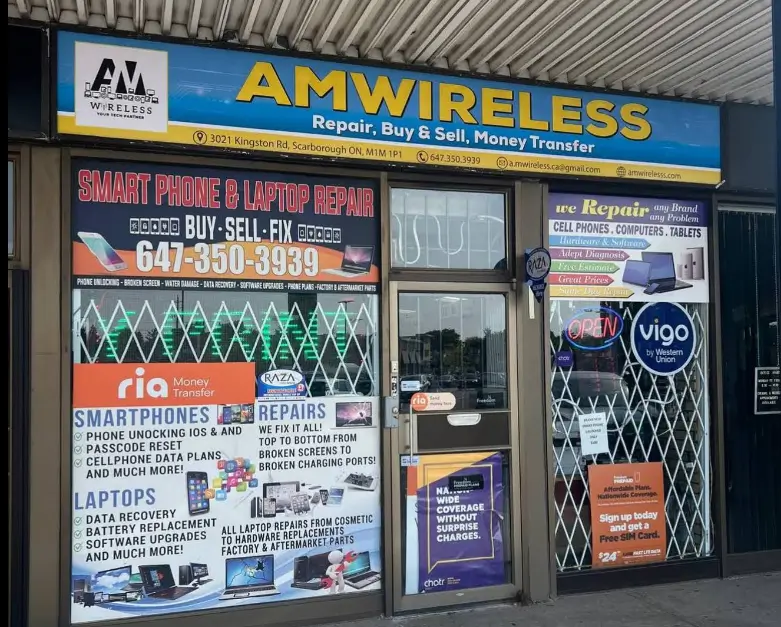
AM Wireless is based at 3021 Kingston Rd in Scarborough, serving customers throughout the surrounding neighborhoods as well as the wider Greater Toronto Area. Customers regularly visit from Mississauga, Richmond Hill, Pickering, Whitby, Oshawa, Stouffville, and Oakville for same-day Galaxy Note repair, since walk-in diagnostics mean no appointment is required. Whether you’re nearby or coming from further across the GTA, the free diagnosis and same-day turnaround make it worth the trip.
What Repairs Cost
Galaxy Note Repair Pricing in Scarborough
Repair pricing depends on your exact Galaxy Note model, the type of damage, the part required, and how complex the repair is. A Note 20 Ultra screen, for example, uses different parts than a Note 8 or Note 9. Rather than guess, AM Wireless provides an accurate, no-obligation quote after a free diagnostic, so you know the exact cost and timeframe before agreeing to anything.
Testimonials
What Our Customer Says?
 Posted on Google
 danielle maccorquodale
Trustindex verifies that the original source of the review is Google.
Fast an reliable. My son breaks iPads like no tomorrow and they fixed him within 2-3 hours. There phone cases are great too. And the employees are helpful. Ill be back soon.Posted on Google Ann BainThey fixed my iPhone 15promax. Great Service fixed in an hour. Highly recommend. Very friendly service. Will be back.Posted on Google
 Steve GlassmanI can hardly believe how fantastic these guys are!Posted on Google
 Evi Gwonderful service. friendly staff. competent. repaired our phone quickly.Posted on Google
 Fatoki AfeezGood and reliable and also did print out for free for one .Great customer servicePosted on Google
 Amaya HossainAmazing customer service and many phone case optionsPosted on Google
 Michelle FortierAmazing service and prices at AM wireless. We bought a phone for my daughter here a few years ago and just got one for my teenage son. They are so friendly and have a good selection of phones available. I have also had my daughter’s phone repaired there, they were quick and explained what the issue was. And very fair, I was so happy with their service. So glad there’s a trust worthy and reasonable tech store in Cliffcrest plaza.Posted on Google
 JaidynVery nice people, quick and reliable definitely recommendPosted on Google
 Jae GerSuper fast frest service
Frequently Asked Questions
Cost varies by model and by how the screen is damaged — cracked glass alone repairs differently than a faulty AMOLED panel. AM Wireless confirms the exact price during a free diagnostic, so you get a real number instead of a rough estimate.
It's usually one of three causes: a discharged pen that needs to sit in the silo to recharge, a Bluetooth pairing issue for gesture-enabled models, or a damaged digitizer layer under the screen. A technician can test all three to isolate the actual fault.
If the issue is the pen itself — a worn tip, a dead battery, or a broken button — a replacement pen usually solves it. If the pen works on another device but not yours, the digitizer under your screen is likely the problem and needs a display-level repair.
Fast drain on a Galaxy Note is most often a sign of natural battery wear, which is common on older models like the Note 8 and Note 9. It can also point to a background app or a charging port issue, which is why a proper diagnostic checks the battery, not just the symptoms.
Yes. In most cases only the display assembly needs replacing, and the rest of the phone's internals are unaffected. A full replacement device is only worth considering after severe internal or water damage.
No appointment is required. Walk-ins are welcome at 3021 Kingston Rd, and many common repairs are finished while you wait.
No, these repairs typically don't require wiping the device. Backing up beforehand is still a good idea, especially before any water damage repair.
Repairs include a parts and workmanship warranty. If the same issue returns within the warranty period, AM Wireless resolves it at no extra cost.