Samsung Galaxy J Series Repair in Scarborough, Toronto
Samsung’s Galaxy J lineup kept a lot of households connected for years, and many of those phones are still in daily use around Scarborough today. AM Wireless repairs the full Galaxy J range — screens, batteries, charging ports, cameras, speakers, and more — starting with a free diagnosis so you know exactly what’s wrong before any work begins. Our technicians work with warranty-backed parts and offer same-day turnaround on most jobs, with walk-in service available at our Kingston Road location. Bring your Galaxy J in and let us take a proper look.
- 3021 Kingston Rd, Scarborough ON M1M 1P1
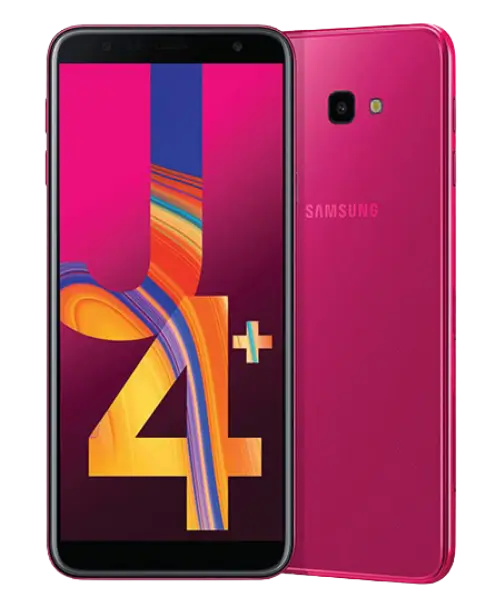
Galaxy J Series Repair
Fast & Reliable Samsung Galaxy J Repair in Scarborough
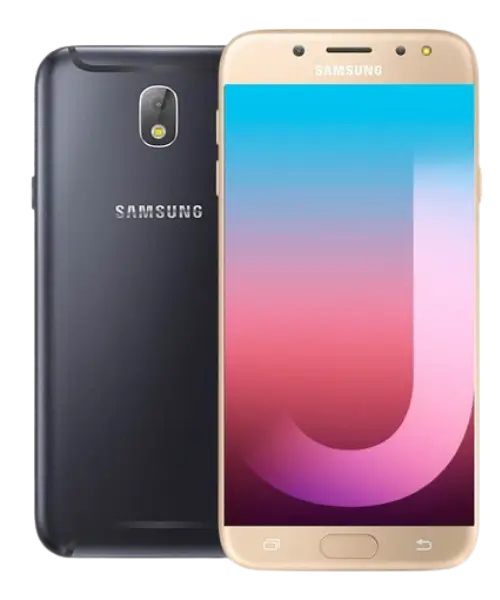
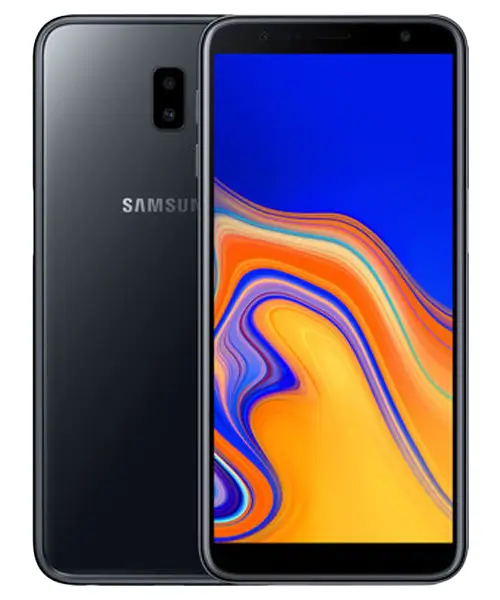
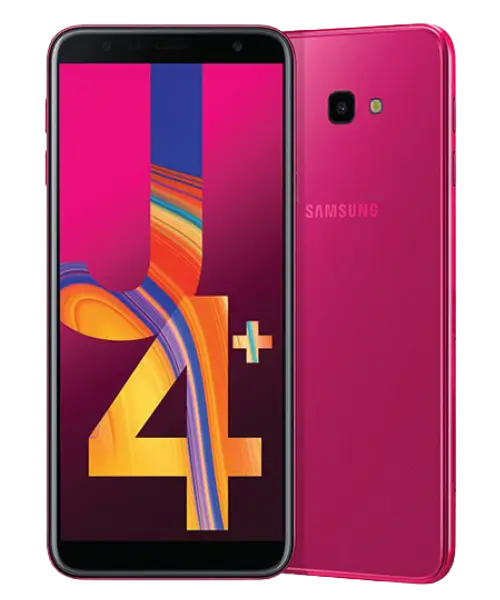
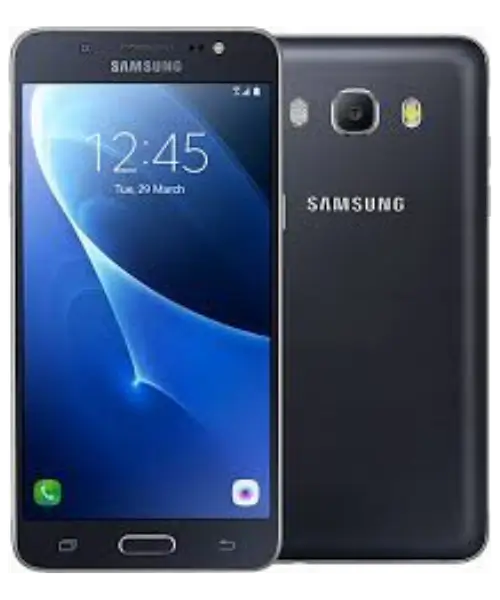
AM Wireless provides reliable Samsung Galaxy J repair in Scarborough for common problems such as cracked screens, weak batteries, charging issues, damaged cameras, faulty speakers, and other hardware concerns. The repair team works across the Galaxy J lineup, including J2, J3, J5, J6, J7, and J7 Pro models. Each device starts with a free diagnosis to identify the actual problem before any repair begins. Most common repairs can be completed the same day, helping you get your phone back without a long wait. Walk-ins are welcome at 3021 Kingston Rd, and repaired parts are covered by warranty for added peace of mind.
Which Samsung Galaxy J Models Does AM Wireless Repair?
Because “Galaxy J Series” spans several years and hardware generations, repair needs differ from model to model — a J2’s Micro USB port isn’t the same job as a J7 Pro’s fingerprint sensor. Here’s what we handle for each model currently supported on this page.
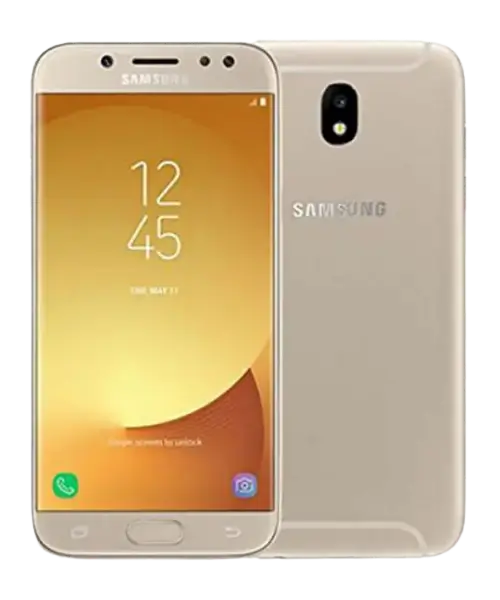

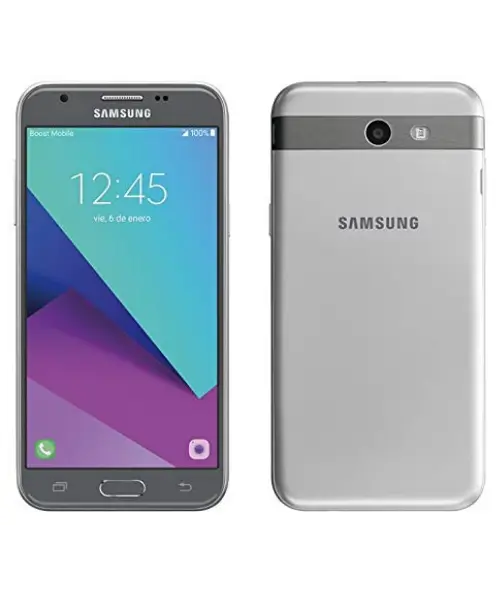
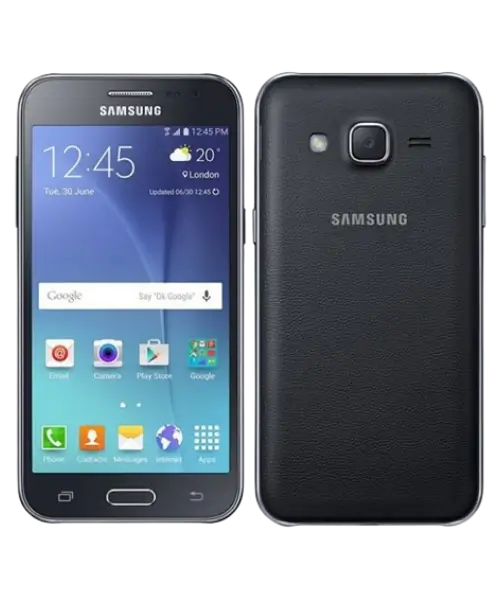
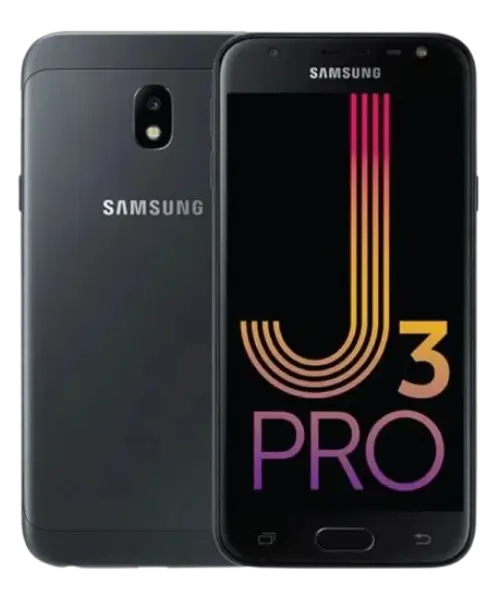
What Problems Show Up Most Often on Older Galaxy J Phones?
Older Galaxy J phones often develop cracked screens, weak batteries, charging issues, camera faults, speaker problems, or unresponsive buttons. Drops and liquid exposure can also cause sudden damage.














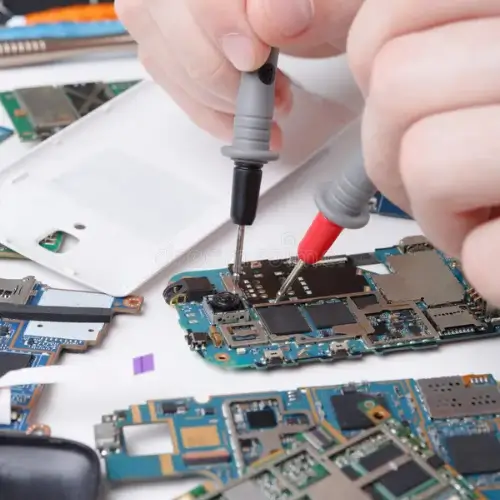
How We Figure Out What's Actually Wrong With Your Galaxy J
A Galaxy J that won’t charge, turn on, or respond can have several possible causes. We check the affected components and rule out common issues before recommending a repair. This helps you understand what’s wrong and what needs to be fixed before you approve the work. Our diagnosis is designed to give you a clear picture of the phone’s condition. You can then decide how you want to proceed without guessing which part needs replacement.
Screen and Display Replacement for Cracked Galaxy J Phones
A cracked Galaxy J screen can make your phone difficult or unsafe to use, especially when the glass is shattered or touch response is affected. We repair common display problems such as cracked glass, black screens, flickering, lines, dead touch areas, and damaged displays. Our technicians check your exact Galaxy J model before selecting the correct replacement screen. After the repair, we test the display and touch functions to make sure everything responds properly.
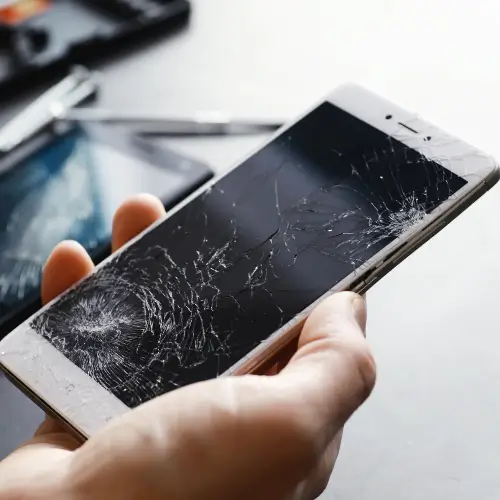

Signs Your Galaxy J Battery Needs Attention
A Galaxy J battery may need attention if it drains much faster than before, shuts down with charge remaining, takes too long to charge, or becomes unusually warm during normal use. These symptoms can also come from a charging issue or software problem, so we test the battery first to confirm the actual cause before recommending a replacement. A proper battery check helps avoid replacing a part that is still working normally. We also look for signs of charging or internal power issues during the diagnosis.
Why Your Galaxy J Won't Charge Properly
If your Galaxy J only charges at a certain angle, disconnects when the cable moves, or stops charging completely, the port may not be the only cause. Dust, a damaged cable, worn battery, or an internal connection can also create charging problems. We check these components to find the right repair. This helps prevent unnecessary port or battery replacement. Once the cause is confirmed, we explain the repair before starting the work.

What to Do After Your Galaxy J Gets Wet
Liquid damage can cause immediate problems or lead to corrosion that appears later. A phone that still turns on after getting wet may have hidden internal damage. We recommend having it inspected as soon as possible so the affected components can be checked before the problem becomes worse. Avoid waiting for symptoms to appear before getting the phone checked. Early inspection can help identify moisture-related problems before they affect more internal components.
Restoring Sound on Galaxy J Speakers, Earpieces, and Microphones
Audio issues can affect the earpiece, loudspeaker, or microphone. You may notice distorted sound, low volume, muffled calls, or recordings where your voice is unclear. We test each component separately to determine if the problem is caused by hardware damage or another issue. This makes it easier to identify the exact source of the sound problem. We then recommend the repair needed to restore clear calls, media audio, and voice recordings.
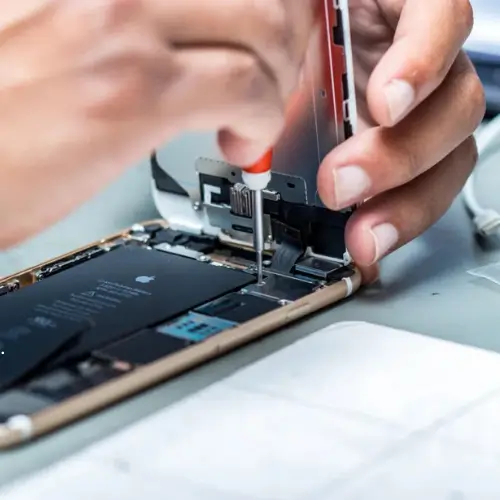
Repair vs. Replace
Should You Repair Your Galaxy J or Move On to a New Phone?
For most Galaxy J issues — a cracked screen, a worn battery, a damaged charging port — repair is the cheaper and faster route, especially since these devices are no longer sold new at their original price point. Repair makes sense as long as the damage is limited to one or two components and the phone otherwise still works the way you expect. Replacement is worth considering only when there’s significant internal damage, extensive water exposure affecting multiple systems, or a pattern of repeated hardware failures. A free diagnosis gives you an honest read on which situation you’re actually in before you decide.
Free Diagnosis
We inspect your Galaxy J first to identify the actual problem before recommending a repair.
Galaxy J Experience
Our technicians have hands-on experience repairing different models across the Galaxy J lineup.
Same-Day Service
Many common repairs, including screens and batteries, can be completed the same day.
Warranty & Walk-Ins
Quality replacement parts are backed by warranty, and you can visit our Kingston Road location without an appointment.
Why Scarborough Customers Choose AM Wireless for Galaxy J Repair
Older Galaxy J phones can still be worth repairing, especially when the problem is limited to a screen, battery, charging port, camera, speaker, or another replaceable component. AM Wireless makes the process simple with local service and experienced technicians who work across different Galaxy J models. We start by checking the phone to understand the actual issue and explain the repair options clearly before any work begins. This helps you avoid unnecessary replacements and gives you a better idea of what your phone needs to get back to normal use.
Parts & Warranty
What Kind of Parts and Coverage Come With Your Repair
Every Samsung Galaxy J repair uses quality replacement parts, installed by our technicians and tested before your phone leaves the shop. We check the repaired function directly — a new screen gets tested for touch accuracy and display quality, a new battery gets checked for proper charging — rather than just reassembling the device and hoping it works. Repairs at AM Wireless are backed by a parts and labour warranty, so if something related to the repair doesn’t hold up, we’ll address it.
Turnaround Time
How Long Does Galaxy J Repair Actually Take?
Most Galaxy J repairs don’t require an overnight wait. Screen replacement and battery replacement are typically finished the same day, often while you sit in the shop. Charging port and speaker repairs usually run on a similar timeline. Water damage takes longer, since it involves a full internal inspection rather than a straightforward part swap. During your free diagnosis, we’ll give you a realistic time estimate before any work starts, so you know whether to wait or come back later.
Repair Journey
What Happens From Drop-Off to Pickup
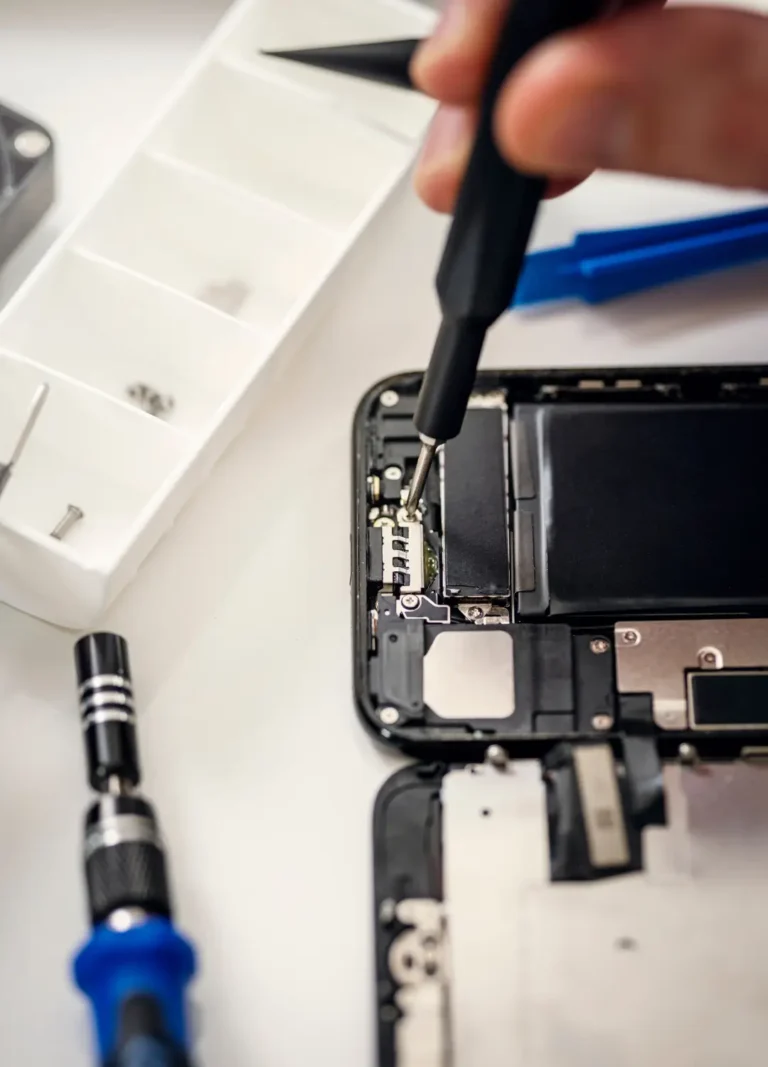
Getting your Galaxy J repaired at AM Wireless is simple and convenient. We focus on making the repair experience clear, transparent, and stress-free from the moment you bring in your phone. Our technicians handle your device carefully and keep the process straightforward, so you know what to expect while your Galaxy J is being repaired.
Bring In Your Galaxy J
Walk in with your device; no appointment required.
Get a Diagnosis
We check the affected component and confirm the real issue, free of charge.
Review Repair Options
We explain what’s wrong and what the repair involves before anything happens.
Approve the Repair
Work only begins once you’ve confirmed you’d like to move forward.
Device Is Repaired
Our technicians complete the repair using quality parts.
Final Testing and Pickup
We test the repaired function before handing your phone back.
Service Area
Samsung Galaxy J Repair Across Scarborough and the GTA
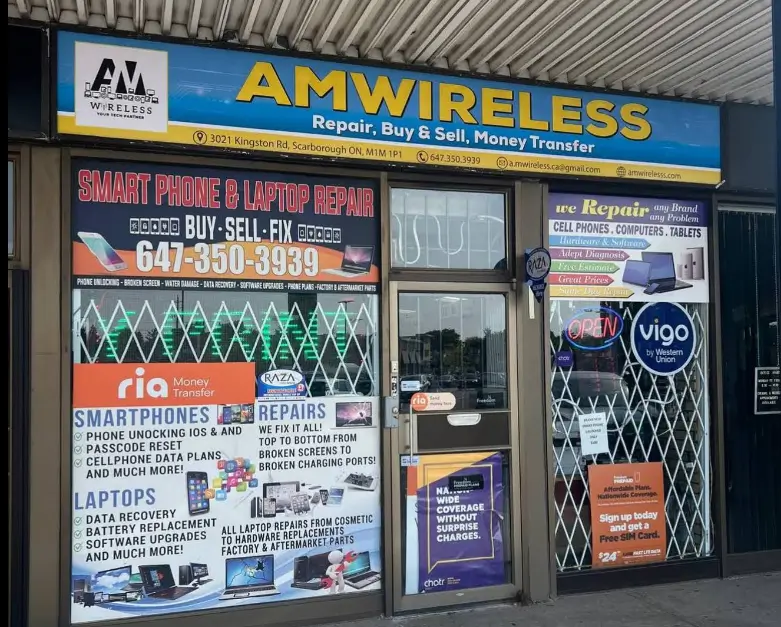
AM Wireless is based in Scarborough at 3021 Kingston Rd, serving customers throughout the Greater Toronto Area who need Galaxy J repair. Beyond Scarborough, we regularly see customers travelling in from Mississauga, Richmond Hill, Pickering, Whitby, Oshawa, Stouffville, and Oakville for walk-in repair without needing to book an appointment in advance.
Repair Costs
What Affects the Cost of Repairing a Galaxy J Phone
Galaxy J repair pricing isn’t one-size-fits-all, because the models, parts, and damage involved vary so much across the lineup. The main factors are which specific model you have, the type of damage (a hairline crack versus a shattered digitizer, for example), the replacement part required, and how complex the repair is once we open the device. Rather than quote a number sight-unseen, we run a free diagnosis first so the price you’re given reflects your actual phone and actual damage.
Testimonials
What Our Customer Says?
 Posted on Google
 danielle maccorquodale
Trustindex verifies that the original source of the review is Google.
Fast an reliable. My son breaks iPads like no tomorrow and they fixed him within 2-3 hours. There phone cases are great too. And the employees are helpful. Ill be back soon.Posted on Google Ann BainThey fixed my iPhone 15promax. Great Service fixed in an hour. Highly recommend. Very friendly service. Will be back.Posted on Google
 Steve GlassmanI can hardly believe how fantastic these guys are!Posted on Google
 Evi Gwonderful service. friendly staff. competent. repaired our phone quickly.Posted on Google
 Fatoki AfeezGood and reliable and also did print out for free for one .Great customer servicePosted on Google
 Amaya HossainAmazing customer service and many phone case optionsPosted on Google
 Michelle FortierAmazing service and prices at AM wireless. We bought a phone for my daughter here a few years ago and just got one for my teenage son. They are so friendly and have a good selection of phones available. I have also had my daughter’s phone repaired there, they were quick and explained what the issue was. And very fair, I was so happy with their service. So glad there’s a trust worthy and reasonable tech store in Cliffcrest plaza.Posted on Google
 JaidynVery nice people, quick and reliable definitely recommendPosted on Google
 Jae GerSuper fast frest service
Frequently Asked Questions
AM Wireless repairs the full Galaxy J lineup at 3021 Kingston Rd in Scarborough, with walk-in service and no appointment needed.
Cost depends on the exact damage and part needed for your J7. A free diagnosis gives you an accurate quote before any work begins.
Yes. We repair the full lineup listed on this page, including older models that many shops no longer service or stock parts for.
Fast drain can point to a worn battery, a background software issue, or a charging fault. Diagnosis identifies the actual cause before we recommend a fix.
Yes, screen replacement is one of the most common repairs we handle across the Galaxy J range, regardless of which model you own.
Many common repairs, including screens and batteries, are completed the same day. More involved issues, like water damage, take longer due to inspection time.
Yes, we repair both front and rear camera issues, including focus problems, black camera screens, and cracked camera lens glass.
Yes, AM Wireless accepts walk-ins during business hours at our Kingston Road location — no booking required.