iPhone Battery Replacement in Toronto: 2026 Cost & Repair Time
Quick answer
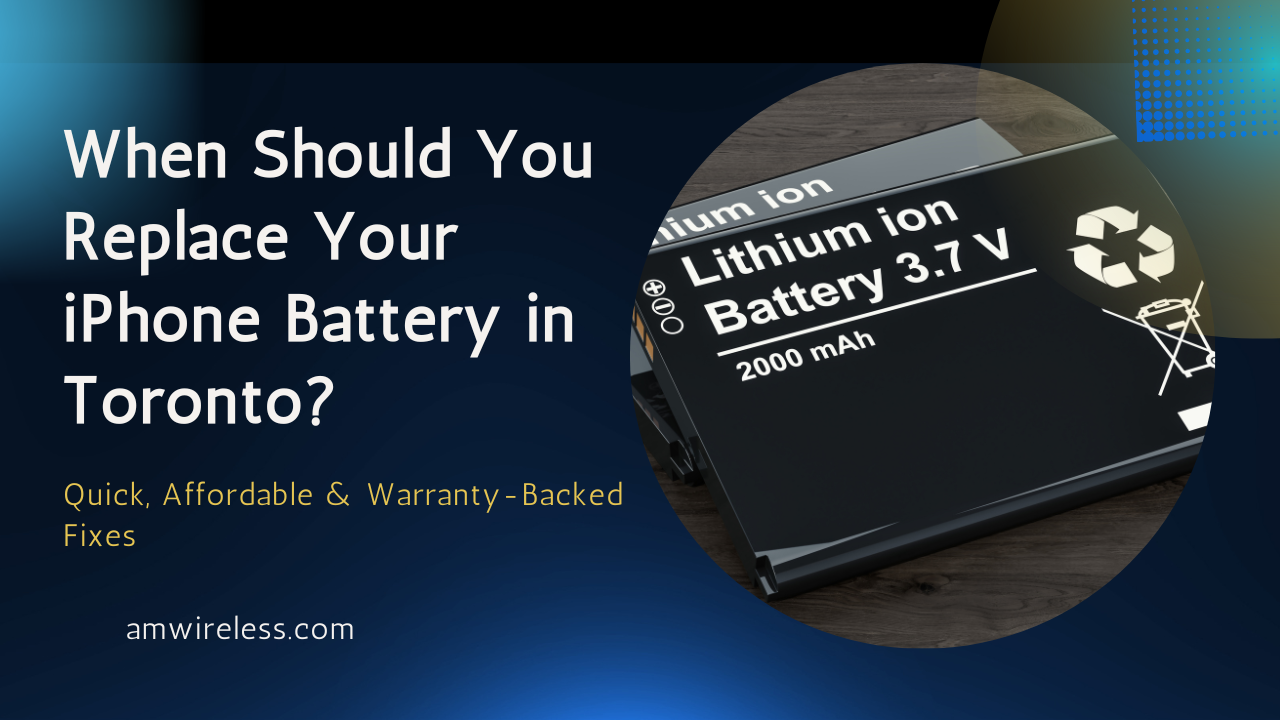
iPhone battery replacement in Toronto generally depends on the iPhone model, battery type and service provider.
At AM Wireless:
- Battery replacement starts from $70 CAD
- Most common models can be repaired the same day
- Free diagnosis is available before the repair
- You receive the repair price before work starts
- AM Wireless is located at 3021 Kingston Rd, Scarborough, ON M1M 1P1
Call +1 647 350 3939 before visiting if you want to confirm the battery price and availability for your exact iPhone model.
If your iPhone drains quickly, shuts down unexpectedly, has a cracked screen, or needs charging several times a day, the battery or display may need attention.
At AM Wireless in Scarborough, iPhone battery replacement starts from $70 CAD, depending on the model. We also provide iPhone screen repair for cracked or damaged displays. Most common repairs can be completed the same day after the phone is checked and the required part is confirmed in stock.
iPhone battery replacement cost in Toronto
Here are the current price ranges listed by AM Wireless for common iPhone models.
| iPhone model | Battery replacement price | Typical repair time |
|---|---|---|
| iPhone 8 / 8 Plus | $70–$90 CAD | 30–45 minutes |
| iPhone X / XR / XS | $80–$100 CAD | 30–45 minutes |
| iPhone 11 / 11 Pro | $90–$110 CAD | 45–60 minutes |
| iPhone 12 / 13 series | $100–$120 CAD | 45–60 minutes |
| iPhone 14 / 14 Pro series | $120–$150 CAD | 60–75 minutes |
| iPhone 15 and newer | Contact for current quote | Depends on model |
Prices can change with the exact model, battery availability and condition of the device. Get a confirmed quote before approving the repair.
When should you replace your iPhone battery?
Battery capacity decreases with use and age. You may notice the change gradually.
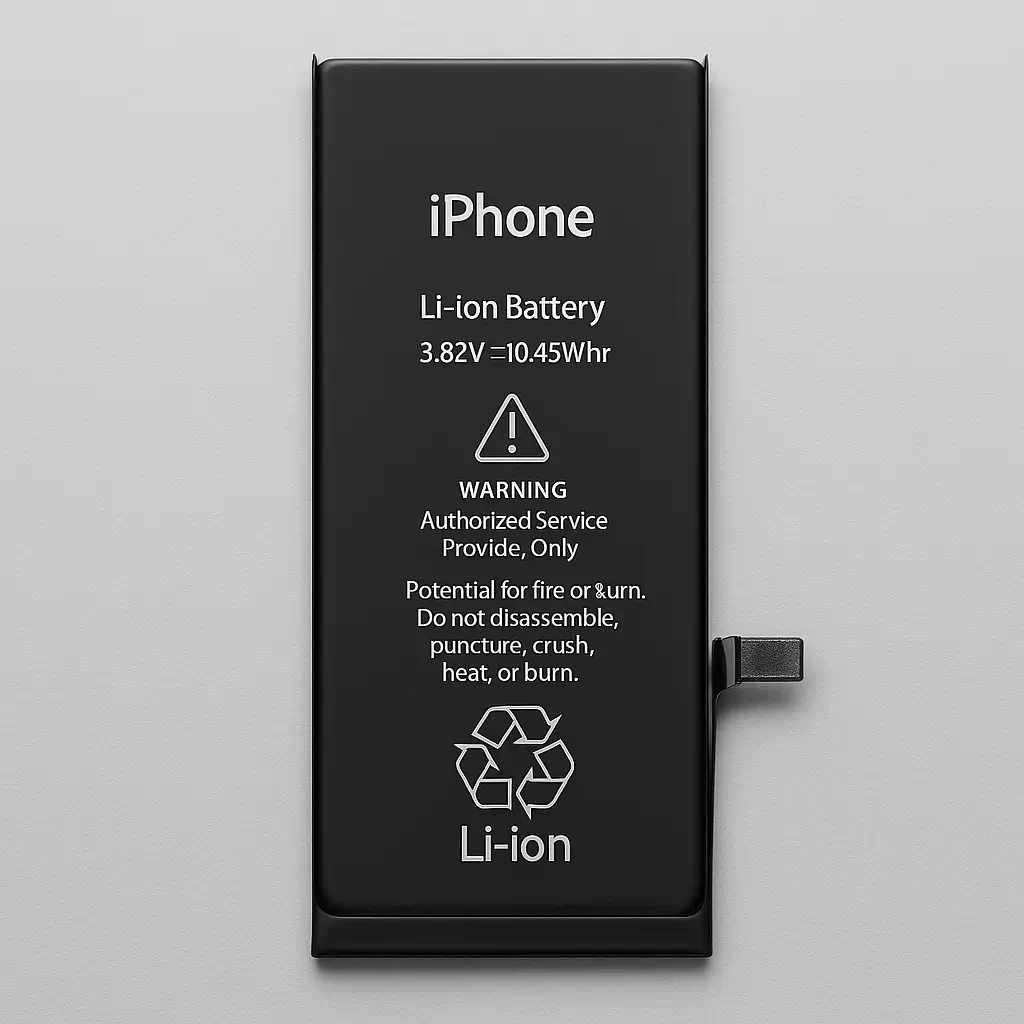
Common signs include:
- Battery percentage dropping much faster than before
- Unexpected shutdowns with charge still remaining
- Noticeably shorter use between charges
- Battery Health showing a service recommendation
- Poor peak performance associated with an aged battery
- A swollen battery or screen beginning to lift
A phone that charges slowly does not automatically need a new battery. The charging cable, adapter, charging port, temperature or another hardware issue can cause similar symptoms.
A diagnosis can separate a battery problem from a charging problem before you pay for a replacement.
Important: swollen batteries
Stop using the phone and have it inspected if the battery appears swollen or the display starts lifting away from the frame.
Do not press the screen back into place or puncture the battery.
Check your iPhone Battery Health first
You can check the battery condition from your iPhone before visiting a repair shop.
For many iPhone models:
- Open Settings
- Tap Battery
- Tap Battery Health or Battery Health & Charging
- Check Maximum Capacity and any battery or performance messages
Apple uses Maximum Capacity to show the battery’s current capacity relative to when it was new.
A lower percentage means the battery can hold less charge than it could when new.
Apple states that batteries in iPhone 14 models and earlier are designed to retain 80% of their original capacity at 500 complete charge cycles under ideal conditions. iPhone 15 models are designed to retain 80% at 1,000 complete charge cycles under ideal conditions.
Battery Health is useful, but your daily experience matters too. A technician can inspect the phone if battery life has become poor even when the percentage does not immediately explain the problem.
How long does iPhone battery replacement take?
Most common iPhone battery replacements at AM Wireless take roughly 30 to 75 minutes, depending on the model.
Repair time can increase when:
- The phone has previous damage
- The display is difficult to remove safely
- Adhesive or internal components need extra attention
- Another charging or power problem is discovered
- The correct replacement battery needs to be ordered
Call before visiting if you need the repair completed within a particular time.
What happens during an iPhone battery replacement?
The technician first checks the phone to confirm that the battery is causing the problem.
The usual repair process includes:
- Checking battery and charging behaviour
- Powering down the iPhone
- Opening the device carefully
- Disconnecting and removing the old battery
- Installing the replacement battery
- Reassembling the phone
- Testing charging and normal device operation
Removing an iPhone display and battery involves adhesive and delicate internal connectors. Incorrect removal can damage the display, battery or other components.
Apple battery service vs independent repair
Apple and independent repair shops provide different service options.
Apple
Apple-certified service uses genuine Apple parts. Apple provides an estimate based on the device and service required, and the final fee may depend on inspection.
AppleCare plans can include battery service at no additional charge when battery capacity falls below 80%, subject to the terms of the customer’s coverage.
Independent repair shop
A local repair shop can be useful when you want:
- A local walk-in option
- A quote before approving work
- Same-day service when the required part is available
- An alternative for an older or out-of-warranty iPhone
Ask the repair provider which battery will be installed, what warranty applies and whether the replacement affects Battery Health information on your particular iPhone model.
What to know about replacement batteries
Battery quality matters.
Before agreeing to a repair, ask:
- What type of replacement battery will be installed?
- Is the part new?
- What warranty applies to this repair?
- Will Battery Health information work normally on my model?
- Will the phone be tested before pickup?
- What happens if another power or charging issue is found?
Some iPhone models can display a battery verification message after certain third-party battery repairs. Battery Health information may also be unavailable or inaccurate in some situations.
Ask about this before the repair so you know what to expect from your specific model.

Before You Replace Your iPhone, Check the Battery First
A weak battery doesn’t mean you need a new iPhone. Replace your battery at AM Wireless in Scarborough with same-day service, free diagnostics, and a warranty-backed repair.
Will battery replacement make your iPhone faster?
A new battery can improve performance when an aged battery can no longer provide the power the phone needs for normal peak performance.
The result depends on the cause of the slowdown.
A battery replacement will not fix problems caused by low storage, software faults, damaged hardware or other components.
Will replacing the battery erase your data?
Battery replacement normally does not require deleting the data stored on your iPhone. Backing up important photos, messages and files before any hardware repair is still sensible. Unexpected hardware problems can occur with any device repair.
Does battery replacement affect water resistance?
Opening an iPhone requires breaking its existing display seal. A repair shop may install replacement adhesive during reassembly, but a repaired phone should not be assumed to have the same factory water-resistance rating it had when new. Keep the device away from unnecessary water exposure after repair.
How to reduce iPhone battery wear
Heat is one of the main conditions that can increase battery wear.
Useful habits include:
- Avoid leaving your iPhone in a hot car or direct sunlight
- Use suitable charging equipment
- Keep iOS charging features enabled unless you have a reason to change them
- Use Optimized Battery Charging
- Use Charge Limit on supported iPhone models if it suits your charging routine
On iPhone 15 and later, Apple allows users to choose a charging limit between 80% and 100% in supported versions of iOS.
You do not need to unplug your iPhone every time it reaches exactly 80%. Apple’s built-in charging controls are designed to manage charging and reduce battery wear.
iPhone battery replacement in Scarborough
AM Wireless provides iPhone battery diagnosis and replacement from its Scarborough location.
AM Wireless
3021 Kingston Rd
Scarborough, ON M1M 1P1
Phone: +1 647 350 3939
Walk-in service is available for common repairs. Calling first lets you confirm the current price, battery availability and expected repair time for your specific iPhone.
If the diagnosis finds another problem, such as a damaged charging port, AM Wireless also provides iPhone repair and cell phone repair services in Scarborough.
Frequently Asked Questions
How much does an iPhone battery replacement cost in Toronto?
AM Wireless battery replacement prices currently start from $70 CAD. The final price depends on your iPhone model and the repair required.
How much does an iPhone 13 battery replacement cost?
The current AM Wireless price range for iPhone 12 and iPhone 13 series battery replacement is approximately $100–$120 CAD. Confirm the exact model and current price before visiting.
How much does an iPhone 14 battery replacement cost?
The current listed range for iPhone 14 and iPhone 14 Pro series battery replacement is approximately $120–$150 CAD. Exact pricing depends on the model.
Can an iPhone battery be replaced the same day?
Yes. Many common iPhone battery replacements can be completed the same day when the correct battery is in stock.
At what Battery Health percentage should I replace my iPhone battery?
There is no single percentage that forces every owner to replace a battery. Apple uses 80% as an important battery-service threshold for AppleCare coverage, and iOS can also display a service recommendation when a battery has degraded. Consider replacement when poor battery life or shutdowns are affecting daily use.
Is replacing an old iPhone battery worth it?
It can be worthwhile when the rest of the phone is in good condition and the battery is the main problem. Compare the repair quote with the age, condition and replacement value of your iPhone.
Will I lose my photos after battery replacement?
A normal battery replacement does not erase your stored data. Back up important data before any hardware repair as a precaution.
Can I replace an iPhone battery myself?
It is technically possible, but the repair requires opening the phone, removing adhesive and working around delicate connectors and a lithium-ion battery. Professional service reduces the risk of accidental damage.
Can a bad battery cause an iPhone to shut down?
Yes. An aged battery can lose the ability to supply the power required during high demand, which can contribute to unexpected shutdowns.
Does AM Wireless replace batteries for older iPhones?
AM Wireless lists battery replacement for older models including the iPhone 8, X, XR, XS, iPhone 11 and newer generations. Call ahead for older or less common models to confirm part availability.
Get an iPhone battery quote in Scarborough
If your iPhone no longer lasts through the day, bring it to AM Wireless for a battery and charging check.
Call +1 647 350 3939 or visit 3021 Kingston Rd, Scarborough, ON M1M 1P1 to confirm the price and repair time for your model before the work begins.



One Comment