Why Your Phone Battery Drops Fast and How to Fix It
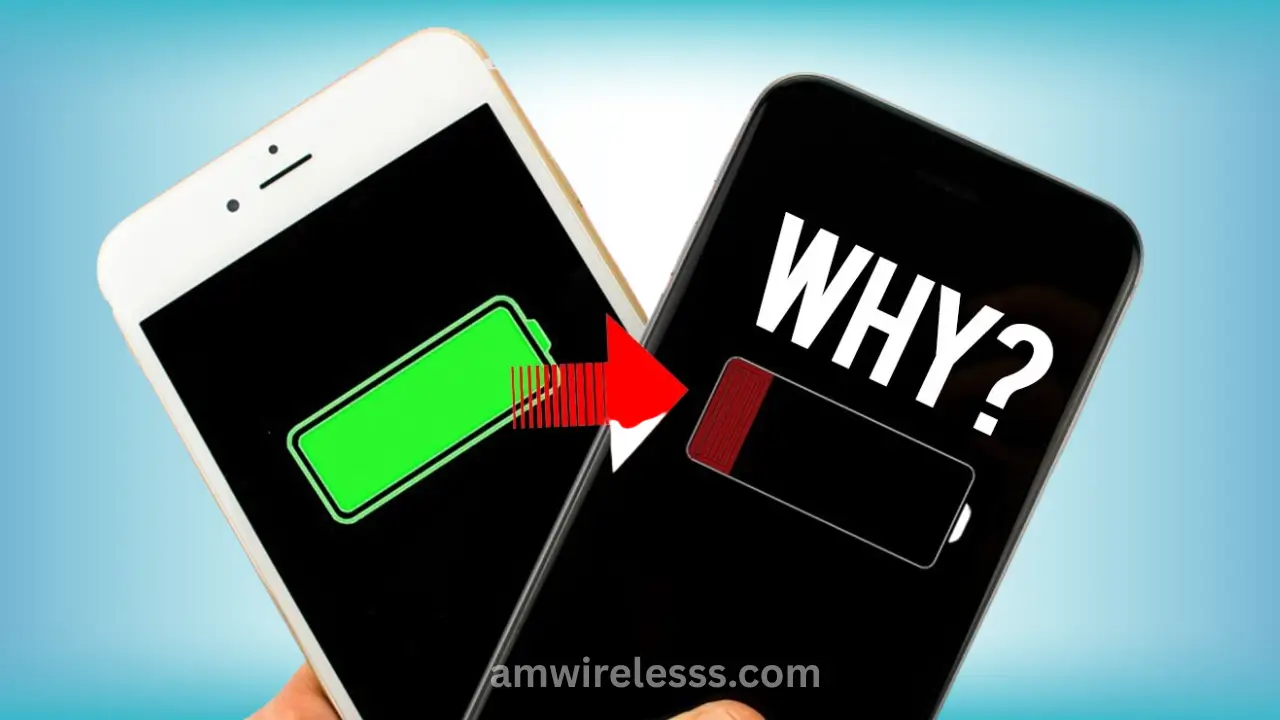
Your phone battery drains fast because the screen is too bright, apps run in the background, signals are weak, features like location stay active, the battery is old, the phone gets warm, or the software has bugs. Each of these pulls steady power, even when you’re not using your phone.
Think of your battery like a backpack filled with small items. One item alone is fine, but when you add screen brightness, hidden apps, weak signals, and heat, the load gets heavy. Your phone ends up working harder than you realise, and the charge slips away faster than you expect.
In this guide I’m going to tell you what drains your phone and how to stop the power loss before it interrupts your day.
Main Causes of Fast Battery Drain
Here are the real reasons your phone loses power faster than it should. Each point is simple, clear, and based on how phones actually work in daily use.
Screen Brightness and Display Settings
A bright screen pulls more power than any other part of your phone. It works the same way a torch eats through its batteries when the beam is set to full. If your brightness stays high or your screen stays on for long stretches, the charge drops quickly.
Need fast cellphone battery replacement near Scarborough? Visit AM Wireless in Scarborough or contact us to book a repair.
Background Apps and Hidden Processes
Some apps keep working even after you close them. They refresh messages, track activity, load photos, or check the web. Social apps, maps, and large games usually stay active in the background. When too many run at once, your phone uses more power than you expect.
Weak Signals and Network Searching
A phone in a weak-signal area works harder to stay connected. It keeps reaching out for a stronger tower, which drains the battery faster. If you notice one or two signal bars often, that alone can explain fast power loss.
Location, Bluetooth, and Wi-Fi Usage
When location stays on, your phone keeps checking your position. Bluetooth and Wi-Fi do something similar—they keep looking for nearby devices or networks. Each search takes power.
Many people keep all three on without realising it. These features are useful, but leaving them active all day chips away at your battery.
Old Battery Health
Phone batteries wear down over time. They hold less charge and drain quicker, even when you use the phone the same way. It’s similar to an older water bottle that no longer holds as much as it did when new.
If your phone dies around 20–30% or jumps down in large drops, your battery may be worn out.
Temperature and Heat Exposure
Heat makes your battery drain faster. Warm pockets, car dashboards, and long gaming sessions all push your phone’s temperature up. When the phone gets hot, the battery works harder to keep things running.
If the back of your phone feels warm often, this may be a key cause of quick loss.
Software Bugs and Outdated Versions
Sometimes a bug in the system makes an app loop or run too much in the background. Outdated versions can cause the same issue. Your phone ends up doing tasks you didn’t ask for, and the charge slips away.
Updates usually fix these issues by improving how the phone handles power.
Faulty Chargers or Cables
A weak or damaged charger gives uneven power. Your phone may charge slower or not hold the charge well. Cheap cables often cause this too.
If your phone charges only when the cable sits at a certain angle or charges much slower than before, the charger could be part of the problem.
Simple Solutions to Fix Fast Battery Drain
These steps give you quick wins. Each one tackles a common cause and helps your phone hold power longer without adding stress or confusion.
- Lower your screen brightness: A bright screen pulls the most power. Set it to a comfortable level and shorten the screen timeout.
- Close apps running in the background: Social apps, maps, and games keep working even when they look closed. Clearing them slows battery loss.
- Turn off features you’re not using: Location, Bluetooth, Wi-Fi scanning and hotspots drain power when left on.
- Use battery saver: This reduces background activity and keeps the phone focused on basic tasks.
- Switch to airplane mode in weak-signal areas: When the phone keeps searching for a tower, the battery drops fast. Airplane mode stops the drain.
- Keep your phone cool: Heat is a major cause of fast drain. Avoid tight pockets, dashboards, and long gaming sessions if the phone feels warm.
- Install system updates: Updates fix bugs that cause extra power use. Check for new versions often.
- Use a good charger and cable: Faulty or low-quality accessories give unstable power. Use a reliable one to protect battery life.
- Replace an old battery: If your phone still drains fast after these steps, the battery may be worn out and needs replacement.
When You Should Get Professional Help
There comes a point where quick fixes stop working. At that stage, the issue sits deeper than a setting or an app. Here’s how to tell your phone has crossed that line.
1. The battery drops in big jumps
If the charge falls from 80% to 50% in minutes, the battery cells may no longer hold steady power. This isn’t a settings issue. It’s physical wear.
2. The phone shuts off even with charge left
A healthy battery gives a steady flow. When your phone dies at 20–40%, the flow breaks. Only a technician can test the cells and confirm the real cause.
3. The phone heats up during simple use
Light tasks—like texting or scrolling—should not raise the temperature. Heat during low activity often points to a hardware fault or a failing chip.
4. Charging takes far longer than it should
If you’ve already tried a good cable and a good charger and it still charges slowly, the charging port or power circuit may be worn.
5. The battery doesn’t last even after you follow basic fixes
You lowered brightness, closed apps, updated software, and the battery still dies early. This is usually the moment professionals step in to test the hardware.
Why this matters
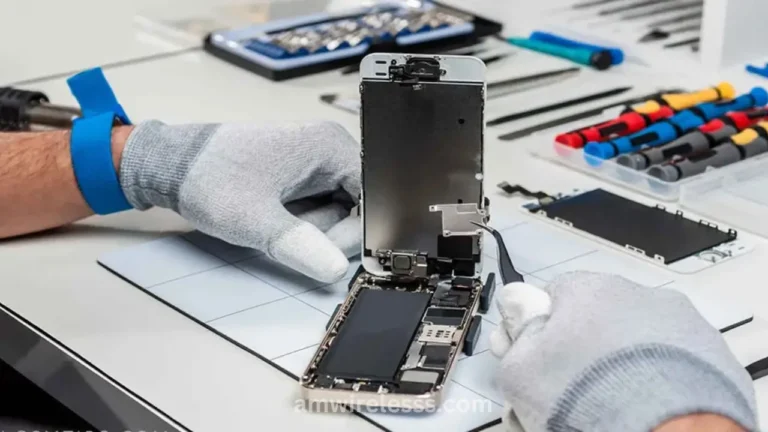
Delaying repair can damage nearby parts, corrupt data, or cause the phone to shut down during important tasks. A trained technician checks the battery, the port, the power board, and any signals that point to deeper issues.
How AM Wireless Can Help
When your phone keeps losing power no matter what you try, you need someone who can look inside the problem instead of guessing from the outside. That’s where AM Wireless Scarborough steps in.
- Battery checks to confirm if the battery is worn or damaged.
- Quality replacements for phones that can’t hold charge anymore.
- Charging port fixes for slow or unstable charging.
- Heat issue checks to find parts that are working too hard.
- Support for major brands including iPhone, Samsung, and others.
You walk in with a phone that drains too fast and leave with a device that works the way it should.
Final Thoughts
A fast-draining phone can slow down your whole day, but most causes are easy to spot once you know where to look. Start with simple checks like lowering brightness, closing background apps, and turning off features you don’t need.
If the battery still slips away or the phone shows signs of deeper trouble, a quick visit to AM Wireless gives you a clear answer and the right fix. A steady battery keeps your phone useful, and getting ahead of the problem saves you more trouble later.