Samsung Galaxy Note 3 Repair in Scarborough
Samsung Galaxy Note 3 repair needs proper handling, especially as this model gets older. Common problems include screen damage, battery weakness, charging issues, and camera faults caused by long-term daily use.
At AM Wireless, Galaxy Note 3 repair in Scarborough is handled with care to fix the real issue, not just the surface problem. Services like screen repair, battery replacement, charging port repair, and camera fixes help restore normal phone use and extend the life of the device using tested, warranty-backed parts.
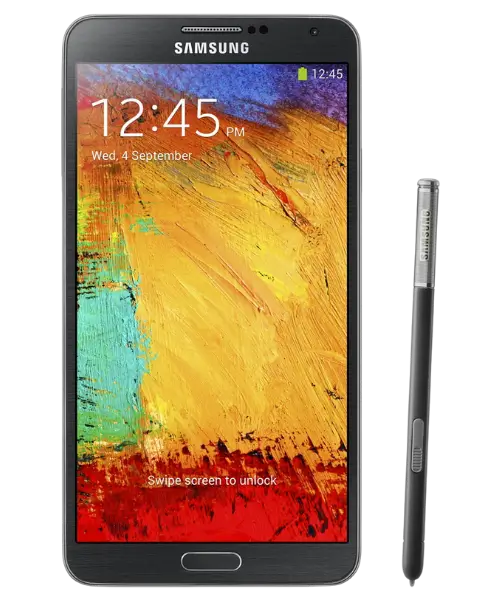
Issues We Fix For The Galaxy Note 3
The Galaxy Note 3 can develop several hardware problems as it gets older. Some issues affect daily use right away, while others slowly get worse if not repaired on time.
Galaxy Note 3 repair services focus on fixing common problems like screen damage, battery wear, charging faults, camera issues, and sound problems. Each issue is handled carefully so the phone works smoothly again and stays reliable for regular use.












Diagnosis
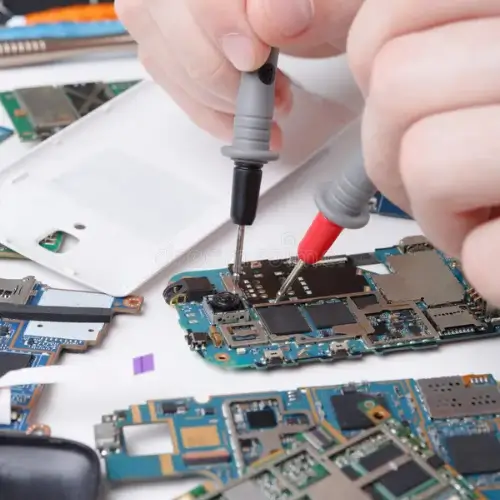
Bring your Galaxy Note 3 to AM Wireless for a free diagnosis. Many phone problems look the same at first, but the real fault can be different.
A proper check helps identify whether the issue is with the screen, LCD, battery, charging port, speaker, earpiece, or internal connection.
AM Wireless follows a no-fix, no-pay policy, so you only pay once your Galaxy Note 3 is repaired.
Most diagnoses are done on the spot, and many repairs can be completed while you wait. If the device cannot be fixed, there is no charge.
Cracked curved glass
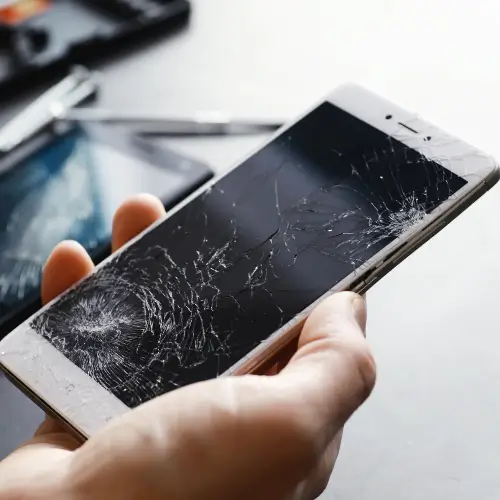
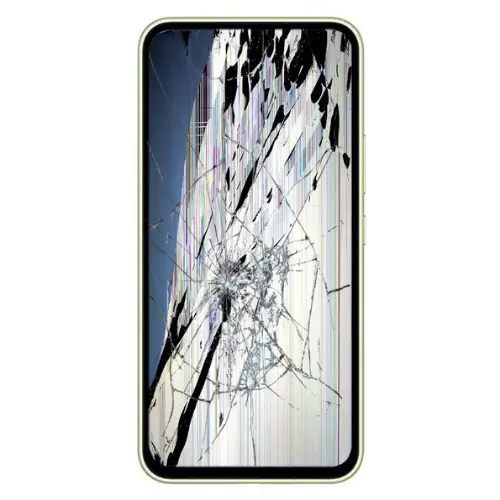
A cracked glass or damaged LCD can make the Galaxy Note 3 hard to use or completely unusable. You may see broken glass, black spots, lines on the screen, or no display at all.
On this model, the glass and LCD are joined together, so damage usually affects the full screen unit.
AM Wireless handles Galaxy Note 3 glass and LCD screen repair by replacing the complete display unit to restore clear visuals and proper touch response.
Most screen repairs are available as walk-in, on-the-spot service, helping you get your phone fixed quickly and safely without long wait times.
Damaged OLED display
A damaged OLED display on the Galaxy Note 3 can cause black patches, green or white lines, screen flickering, or no display at all. Even if the glass looks fine, the OLED underneath can stop working after drops or pressure.
AM Wireless fixes Galaxy Note 3 OLED display issues by replacing the faulty display unit to restore clear visuals and smooth touch response. Since the OLED and glass come as one unit, replacing the full screen helps prevent repeat display problems and brings the phone back to proper working condition.
Battery Repair
Battery problems are common on the Galaxy Note 3 as the device gets older. The phone may lose charge quickly, shut down suddenly, or heat up while charging, even with a good cable. These signs usually mean the battery can no longer hold power properly.
AM Wireless provides Galaxy Note 3 battery repair by replacing the worn battery with a reliable unit that restores stable power and normal charging.

Fingerprint Sensor Repair
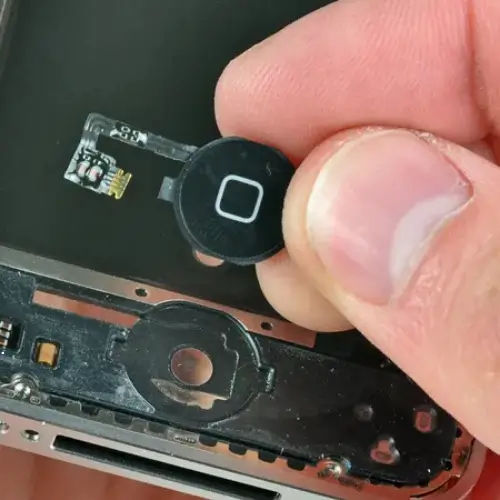
Fingerprint sensor problems on the Galaxy Note 3 can stop the phone from unlocking properly.
The sensor may fail to read fingerprints, respond slowly, or stop working completely, which makes daily use frustrating and less secure.
AM Wireless handles Galaxy Note 3 fingerprint sensor repair by fixing or replacing the faulty sensor so fingerprint unlock works smoothly again.
Restoring the sensor helps keep the device secure and easy to access without relying on passwords all the time.
Power Button Repair
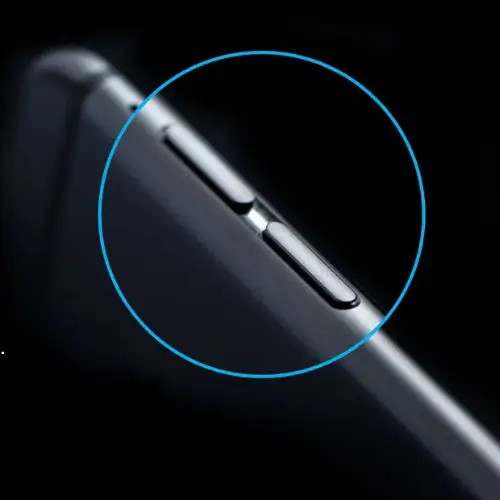
A faulty power button on the Galaxy Note 3 can make it hard to lock, unlock, or restart the phone. Common signs include the button not clicking properly, working only sometimes, or not responding at all.
usually happens due to wear, drops, or internal button damage.
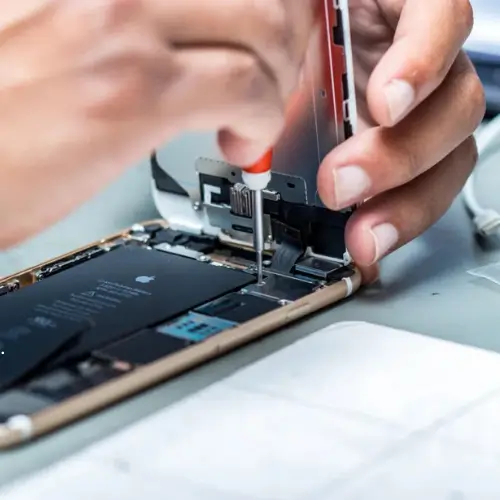
AM Wireless provides Galaxy Note 3 power button repair by fixing or replacing the damaged button connection so normal button function is restored.
Speaker Repair
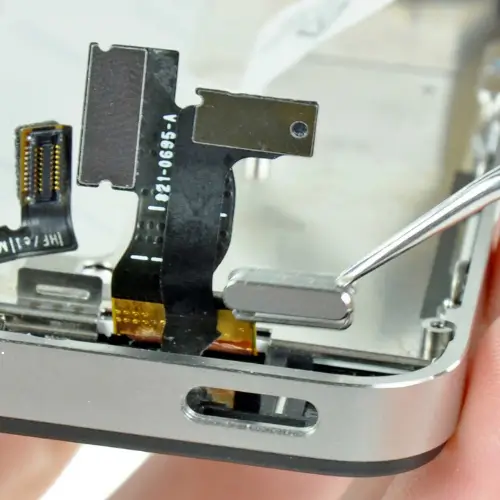
Speaker issues on the Galaxy Note 3 can make it difficult to hear calls, videos, or notification sounds. You may notice low volume, distorted sound, crackling noise, or no sound at all, even when the volume is turned up.
AM Wireless handles Galaxy Note 3 speaker repair by fixing or replacing the faulty speaker so sound comes out clear and loud again.
Proper speaker repair improves call quality and makes media and alerts easy to hear during daily use.
Volume Button Repair
Volume button problems on the Galaxy Note 3 can stop you from controlling call sound and media levels. The button may get stuck, stop responding, or change volume on its own, which makes normal phone use uncomfortable.
AM Wireless provides Galaxy Note 3 volume button repair by correcting the internal button fault so volume control works properly again.
Once repaired, adjusting sound becomes smooth and reliable for calls, videos, and notifications.

Vibrator Repair
If the Galaxy Note 3 does not vibrate properly, you may miss calls and messages when the phone is on silent. Common signs include no vibration, very weak vibration, or a rattling sound from inside the phone.
AM Wireless carries out Galaxy Note 3 vibrator repair by fixing or replacing the vibration motor so alerts can be felt clearly again.
Restoring vibration helps the phone work properly in meetings, travel, and daily use without relying only on sound.
Charging Port Repair
Charging issues on the Galaxy Note 3 often start with loose connections. The phone may charge only at an angle, disconnect again and again, or not charge at all, even with a new cable. This usually happens due to dust buildup, wear, or internal port damage.
AM Wireless provides Galaxy Note 3 charging port repair by cleaning, repairing, or replacing the faulty port so the charging cable fits securely again.


Ear Piece Repair
Ear piece problems on the Galaxy Note 3 can make phone calls hard to hear. Voices may sound very low, unclear, or completely silent, even though the call is connected. This issue often builds up from dust inside the ear speaker or internal wear over time.
AM Wireless handles Galaxy Note 3 ear piece repair by fixing or replacing the faulty ear speaker so call sound becomes clear again.
Selfie Camera Repair
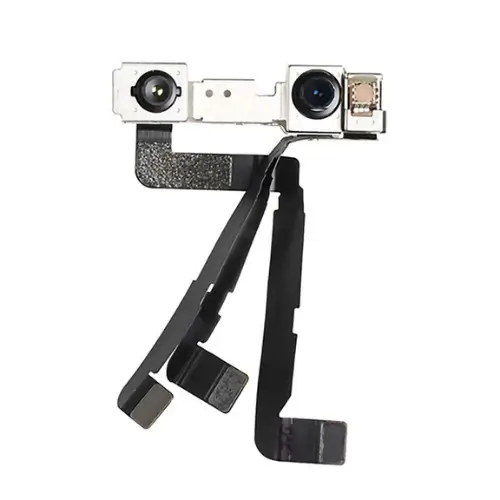
Selfie camera issues on the Galaxy Note 3 can affect video calls, selfies, and face features. The camera may show blurred images, black screen, focus problems, or fail to open, which makes front camera use difficult.
AM Wireless provides Galaxy Note 3 selfie camera repair by fixing or replacing the faulty front camera so images look clear again.
Proper repair restores smooth camera use for calls, photos, and everyday phone features.
Rear Camera Repair
The rear camera on the Galaxy Note 3 is often used for photos, videos, and scanning documents.
When it stops working properly, everyday tasks become difficult, especially when the camera fails at important moments.
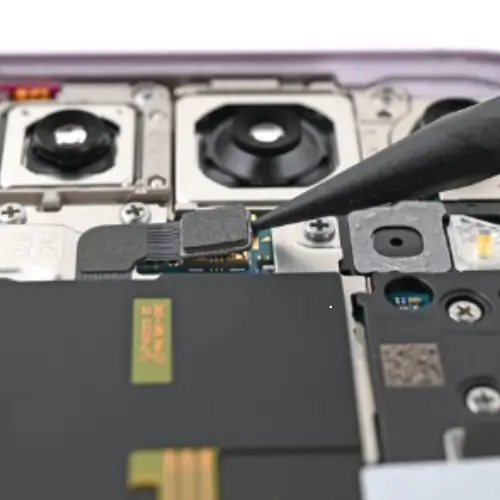
Rear camera repair focuses on restoring image clarity and camera stability when the camera shows blur, shaking, focus issues, or does not open.
With proper handling and part-level repair, AM Wireless helps bring the Galaxy Note 3 camera back to reliable working condition for daily use.
Back Glass / Housing Repair
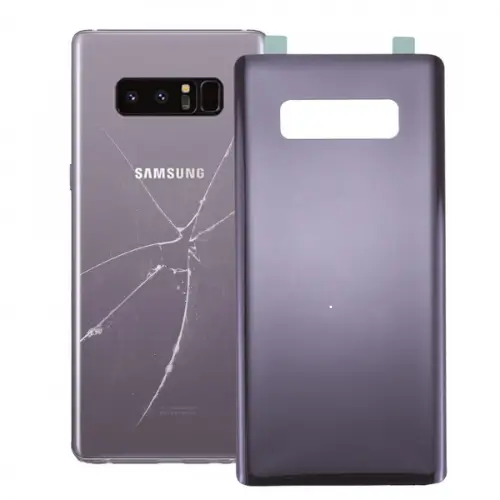
The back glass and housing of the Galaxy Note 3 protect the phone’s internal parts. When the back is cracked, shattered, or loose, the phone becomes unsafe to hold and more exposed to dust and moisture.
Back glass and housing repair restores the phone’s structure and outer protection.
With proper fitting and alignment, AM Wireless replaces the damaged back so the Galaxy Note 3 feels solid again and stays protected during daily use.
Visit AM Wireless for professional Galaxy Note 3 repair in Scarborough. Most repairs are available as walk-in, same-day service using warranty-backed parts. Stop by today or book your repair and get your device working properly again.